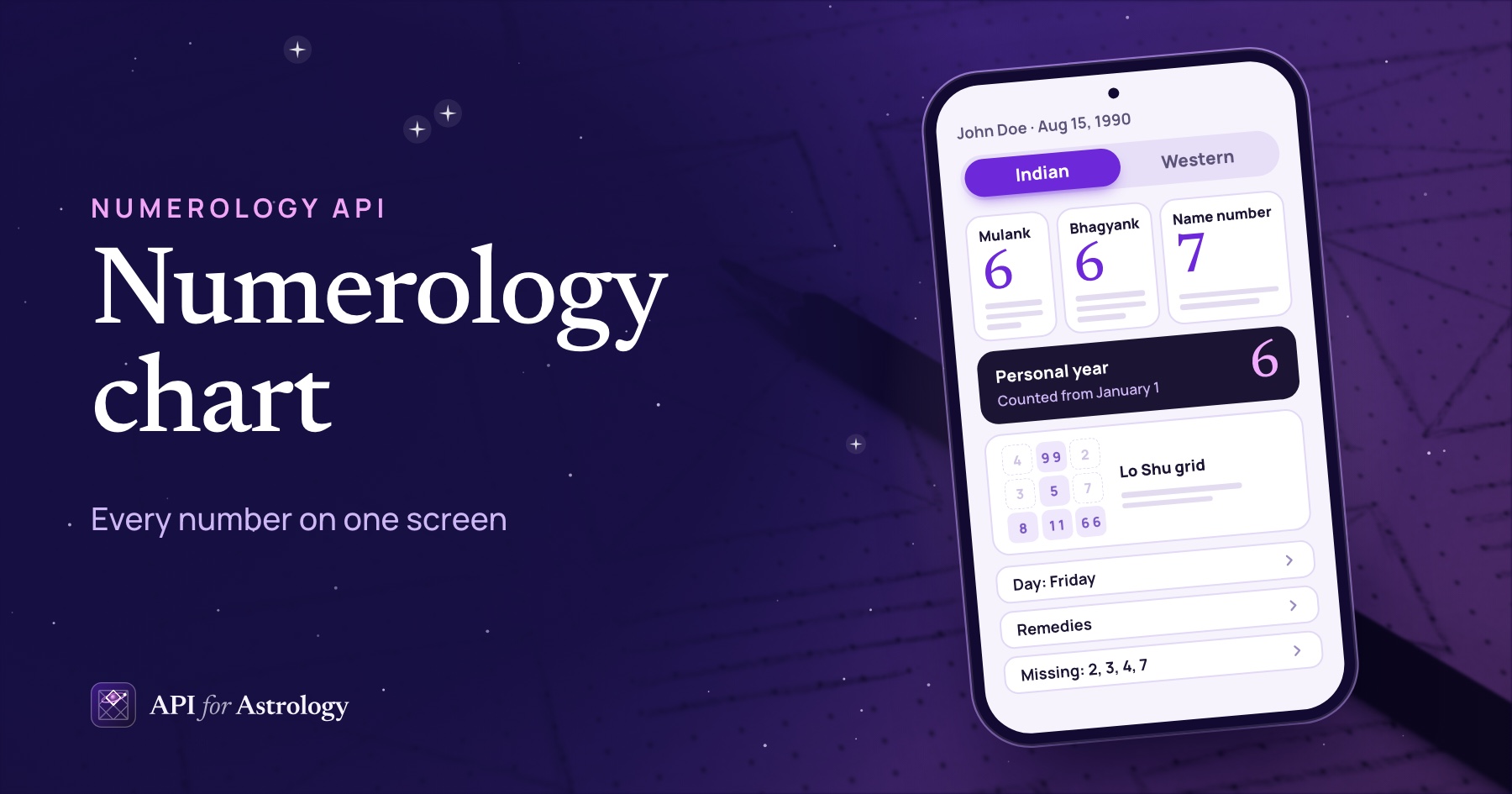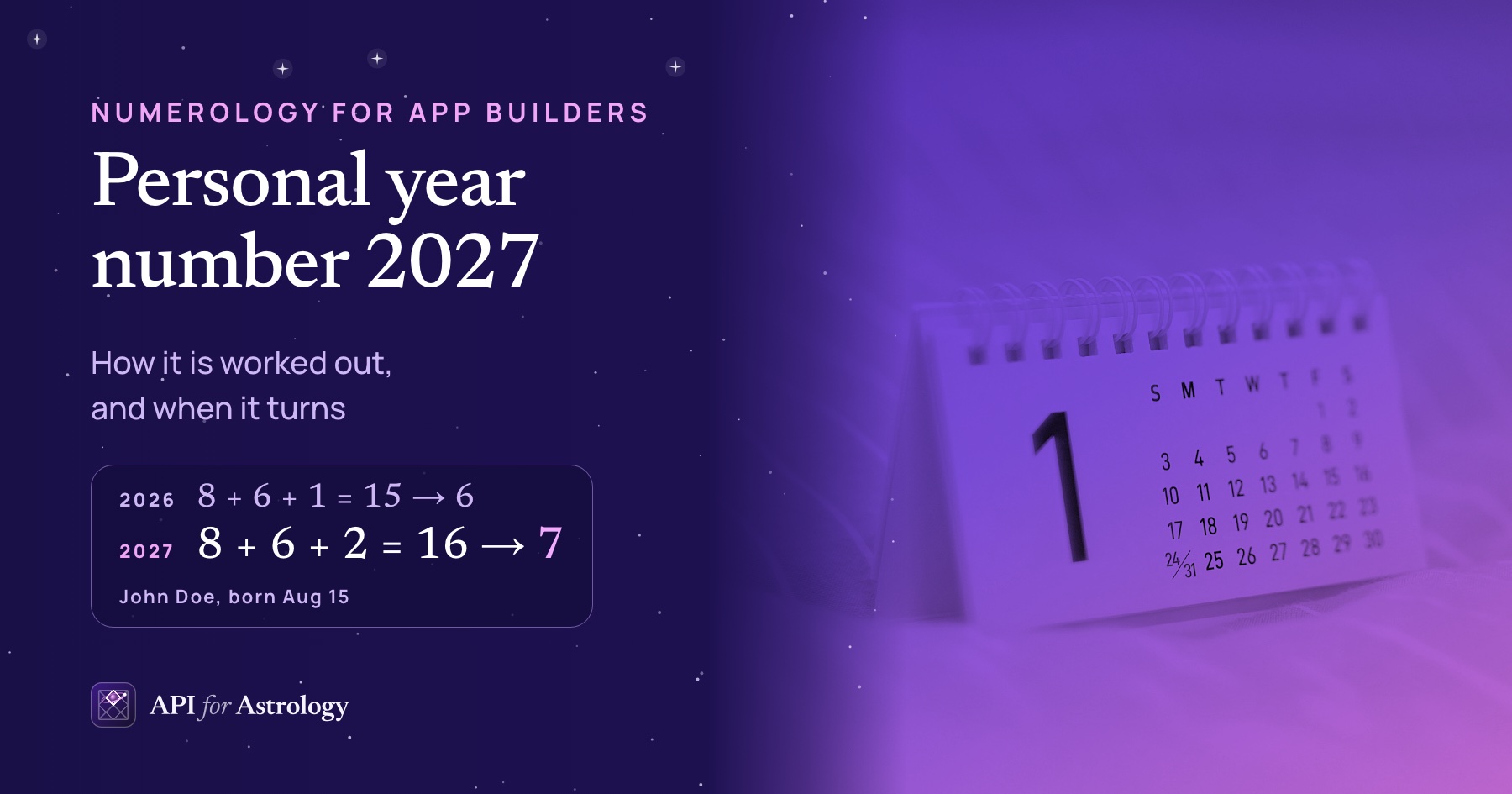

To sell a full numerology reading, your app makes one call. Call POST /v1/report with the reader's name and birth date. The answer is the whole reading as a book of 12 chapters. It runs from the mulank (birth day number) to the reader's personal year. With format=html, the book comes back as one finished web page. With format=json, the same book comes back as data for your team to lay out.
Pick HTML to ship quickly. The page needs nothing else to load, and it prints from the browser. Pick JSON when the report must look like your product. Your team picks the fonts and decides where the lock goes. One report uses 25 reading credits in either format.
A free numerology reading is cheaper from another route. POST /v1/profile returns the core numbers with their readings for 3 credits. At the same length, its text matches the report's chapters word for word. So build the free screens from the profile, and call the report once the reader pays.
We ran both formats for John Doe, born Aug 15, 1990, on our local copy of the engine on Oct 19, 2026. We tried English and Hindi, short and long readings, a company name on the cover and four requests the API should refuse. Every number below comes from those runs.

What a full numerology reading holds: 12 chapters
The chapter order never changes. The table lists the chapters for John Doe, with the English titles the API returns. The last two columns count the words in each chapter. standard is the short length and expanded the long one.
# | Chapter title | What is inside | Words, standard | Words, expanded |
|---|---|---|---|---|
1 | Your numbers at a glance | One table of 11 numbers | 46 | 46 |
2 | Your mulank | The day-of-birth number, with its reading | 447 | 537 |
3 | Your bhagyank | The number from adding all 8 digits of the date, with its reading | 397 | 490 |
4 | Your name number | The reading, then a word-by-word table for each letter system | 70 | 125 |
5 | Your Lo Shu grid | The grid drawing and a short summary, then missing numbers, repeated numbers and lines | 341 | 784 |
6 | Lucky day, colors and numbers | One table and a note on dates | 68 | 68 |
7 | Gemstone and mantra | One table and five short blocks | 140 | 140 |
8 | Your Western numbers | Life path, expression, soul urge, personality, maturity and birthday | 240 | 685 |
9 | Lessons to work on | Karmic debt and karmic lessons | 163 | 411 |
10 | Hidden passion and balance | Two more numbers from the name | 88 | 245 |
11 | Challenges and life stages | Three tables, each with its readings: challenges, pinnacles and life cycles | 275 | 890 |
12 | Your year, month and day | Personal numbers for the year, month and day of | 248 | 370 |
The cover and the closing note sit outside the chapters. The cover shows the name, the birth date and the three Indian core numbers. Those three are marked on a ring that holds 1 through 9. The closing note, headed "A last word", holds 4 short sentences that ask the reader to treat the book as a guide. With both added, John's whole book is 2,631 words at standard length.
Our glossary explains the terms in the chapters. The mulank and bhagyank open the book. The Lo Shu grid sorts a birth date's digits into nine boxes. Karmic lessons are the numbers missing from a name. The pinnacles are the life stages in chapter 11. For the sums behind chapters 2 to 4, see the three core numbers worked out step by step.
The report does no math of its own. It gathers what the profile and Western routes return. We called both routes for John at the same length and date as the report. All 6 numbers we compared were equal. The mulank and life path paragraphs were equal word for word.
Standard or expanded: how long the reading is
A report is long unless you ask for short. Its detail setting starts at expanded, because a book is read from start to end. The other numerology routes start at standard. Send detail=standard for the shorter book.
Length | Words in English | Words in Hindi | Reading time in English |
|---|---|---|---|
| 2,631 | 2,918 | about 12 minutes |
| 4,899 | 5,410 | about 22 minutes |
Reading time at 230 words a minute, the rate our own blog uses.
The long version grows the Western half and the grid most. The life stages chapter grew 3.2 times, from 275 to 890 words. The Western numbers grew 2.9 times, and the grid chapter 2.3 times. The glance table, the lucky chapter and the gemstone chapter stayed the same size.
Both lengths use the same 25 credits. So pick the length for your reader, not for your bill. If your readers open the report on a phone, test the 12-minute book against the 22-minute one.
Format html: a finished page in one call
The HTML answer is a whole page, from top to bottom. It opens with the cover, then a contents page, then the 12 chapters. A closing note and a footer with the day the report was made end the page. John's English page at expanded length was 48,525 bytes.
The page fetches nothing. We searched it for anything that loads from elsewhere. It has no script, no linked stylesheet and no image file. Its only web address is the standard label that marks a drawing as SVG. All of its look comes from one style block of 3,610 characters. So nothing on the page waits on a second request.
It is ready for phones and for paper. On a narrow screen, a style rule folds the two-column parts into one column. When printed, the cover fills the first page, and each chapter starts on a new page. The print rules ask for A4 paper. If your readers print on US Letter, check the print preview once.
The page knows its language. It carries lang="en" or lang="hi" at the top. That mark tells browsers and screen readers the language of the text.
Here is the whole server side of an HTML report. Run it after the reader pays, then send the text to their browser or your app's web view.
One HTML page for John Doe, with Acme Inc. on the cover
// On your server: build one reader's report as an HTML page.
async function buildReportPage(name, birthDate) {
  const url = "https://apiforastrology.com/api/numerology/v1/report?format=html";
  const response = await fetch(url, {
    method: "POST",
    headers: {
      Authorization: `Bearer ${process.env.ASTROLOGY_API_KEY}`,
      "Content-Type": "application/json",
    },
    body: JSON.stringify({ name: name, birth_date: birthDate, brand: "Acme Inc." }),
  });
  if (!response.ok) {
    throw new Error(`The report failed with status ${response.status}`);
  }
  return await response.text();
}

// buildReportPage("John Doe", "1990-08-15") returns the page as text.
The key never leaves your server. The reader only gets the finished page.
Format json: the same book, as data
JSON gives you the parts of the book, not its look. The top level holds the language, the dates, the cover, the chapters and the not_claimed line. Each chapter holds a list of items. Every item is one of three types.
Item type | What it holds | How often in John's book |
|---|---|---|
| Blocks, each with a | 15 times, in 11 chapters |
| A | 8 times |
| The 3 by 3 | once, in chapter 5 |
So your layout code has four jobs. It draws a section, a table, a grid and the cover. Everything else in the book is one of those.
John Doe, born Aug 15, 1990, Acme Inc. on the cover: trimmed to a few fields and 2 of 12 chapters
{
  "lang": "en",
  "as_of": "2026-10-01",
  "tint": { "planet": "Venus", "paper": "#fcf5f8", "strong": "#963a62" },
  "cover": {
    "brand": "Acme Inc.",
    "title": "John Doe",
    "born": "Born August 15, 1990",
    "glance": "Mulank 6 · Bhagyank 6 · Name number 7"
  },
  "chapters": [
    {
      "number": 4,
      "key": "name",
      "title": "Your name number",
      "items": [
        {
          "type": "table",
          "title": "Chaldean",
          "columns": ["Word", "Total", "Number"],
          "rows": [["John", "18", "9"], ["Doe", "16", "7"], ["Total", "34", "7"]]
        }
      ]
    },
    {
      "number": 5,
      "key": "loshu",
      "title": "Your Lo Shu grid",
      "items": [
        {
          "type": "loshu",
          "cells": [
            [{ "number": 4, "count": 0 }, { "number": 9, "count": 2 }, { "number": 2, "count": 0 }],
            [{ "number": 3, "count": 0 }, { "number": 5, "count": 1 }, { "number": 7, "count": 0 }],
            [{ "number": 8, "count": 1 }, { "number": 1, "count": 2 }, { "number": 6, "count": 2 }]
          ],
          "svg": "<svg xmlns=\"http://www.w3.org/2000/svg\" viewBox=\"0 0 282 282\" ..."
        }
      ]
    }
  ],
  "not_claimed": "Numbers describe tendencies, not fixed events. Use them as a guide, not a rule."
}
The two drawings work anywhere. The grid's svg and the cover's wheel_svg hold their colors and lines inside each shape. Neither one has a style block. They carry their look as attributes on each shape, so they need no style sheet from the page around them. New to the grid? Our step-by-step guide to the Lo Shu grid shows where John's digits land.
The cover colors come with the book. The tint field holds five of them, taken from the planet of the reader's mulank. John's mulank 6 belongs to Venus, so his cover is a pale pink with a deep rose accent. Jane Doe's mulank 4 belongs to Rahu, which takes Saturn's colors. Her cover is a pale gray-blue with a deep blue accent. Use the tint, or keep your own colors.
Lay out a Hindi book with a font that has Hindi letters. The HTML page asks the device for one, such as Noto Serif Devanagari. Your own screens need the same check.
This loop is a first step for your layout code. It lists each chapter and the item types it holds.
Run on John Doe's JSON book (format=json)
// List each chapter and the kinds of items your screens must draw.
function listChapters(book) {
  for (const chapter of book.chapters) {
    const types = chapter.items.map((item) => item.type).join(", ");
    console.log(chapter.number, chapter.title, "|", types);
  }
}
For John, it prints 12 lines. The first is "1 Your numbers at a glance | table". The last is "12 Your year, month and day | section".
HTML or JSON: how to choose
Question | Format html | Format json |
|---|---|---|
What does your team build? | One call and one web view | One call, a cover and three item layouts |
Whose design is it? | The API's: serif type, a cover in the mulank's planet colors | Yours: fonts, colors and the order of screens |
Can readers print it? | Yes, from the browser, a chapter per page | Only if you write print styles |
Where can the paywall go? | Before the page: pay, then see it all | Anywhere in your own flow |
Can it span several screens? | No, it is one long page | Yes, one chapter per screen or any split you choose |
Your company name on it? |
|
|
Reading credits per report | 25 | 25 |
You can start with HTML and switch later. Both formats come from the same call with one setting changed. The book inside does not change.
Where the paywall goes in a free numerology reading
Do not build the free part from the report. Each report call uses 25 credits, whether the visitor pays or not. Say 1,000 people try your free reading. Built from the report, those free readings use 25,000 credits. Built from POST /v1/profile, they use 3,000.
The profile has what a free reading needs. Its answer gives the mulank, the bhagyank, the name number and the grid, each with a reading. The report's chapters 2 to 7 are made from this same answer. Show a part of it free, such as the three core numbers and one short reading each.
At the same length, the words match. We compared the profile's mulank reading with the report's mulank chapter. With both at standard, the paragraphs were the same. The report starts at expanded, though. So send the same detail to both calls if the paid book must repeat the free text exactly.
Call the report after the reader pays. With HTML, the paywall sits in front of the page: pay first, then the page opens. With JSON, your free screens come first, then the lock, then the full book.
Send the phone only what the reader may see. Call the report early and hide chapters on the screen, and the hidden text is already on the phone. Hiding a chapter does not take it out of the answer the phone received.
Each report is one call for one reader. Count 25 credits each time you build one.
See every part of the report. Our numerology report feature page lists each field of the cover and of the JSON items.

Your company name, and the reader's own numbers
Your company name can go on the cover. Send it as brand, up to 40 characters. We sent "Acme Inc.". It appeared above John's name on the HTML cover, and in cover.brand in the JSON. Nothing else in the book changed. Without it, the cover shows no company name, not even ours.
Add the reader's numbers for a 13th chapter. The numbers list takes as many as 5 items: mobile, vehicle or house numbers, or business names. We sent John's phone, 212 555 0147, and his car plate, ABC 4521. The new last chapter read the phone as 5 (Mercury) and the plate as 3 (Jupiter). It also said how well each number fits him.
The API refuses a request it cannot build. We sent four on purpose. Every one was refused with status 422, naming the field to fix.
What we sent | Answer | Field named |
|---|---|---|
A brand of 41 characters | 422, at most 40 characters |
|
6 items in | 422, at most 5 items |
|
| 422, must be |
|
No name | 422, field required |
|
A refused request uses no reading credits. Only a successful live call counts.
Hindi readings with one setting
The whole book can come back in Hindi. The query setting lang=hi does it. The chapter titles, readings, table labels and cover lines all change. Chapter 2 becomes "आपका मूलांक", which means "your mulank". The numbers stay the same: John is still 6, 6 and 7.
Dates change form too. In the Hindi book, his birth date reads 15.08.1990, day first. In the English book, it reads August 15, 1990.
Hindi pages are larger to send. The Hindi HTML at expanded length was 87,600 bytes, 1.81 times the English page. Yet it held almost the same number of characters, 0.98 times as many. The gap is in the letters themselves. Each Hindi letter takes 3 bytes to send, and each English letter takes 1.
Sizes, speed and credits we measured
These are the sizes of John's report, in bytes, as the engine sent them.
Answer | English, standard | English, expanded | Hindi, standard | Hindi, expanded |
|---|---|---|---|---|
HTML page | 36,559 | 48,525 | 57,933 | 87,600 |
JSON book | 31,224 | 43,229 | 52,564 | 82,295 |
The English HTML page was 5,296 to 5,335 bytes larger than the JSON. Its style block alone is 3,610 characters.
The engine answered in milliseconds. On our local copy, we called each English version 5 times in a row. The middle times were 7 to 9 milliseconds, and the slowest call took 36. The first call of the whole run took 75. That is the engine alone, on our own machine. Your readers also wait for the trip over the internet, which this test did not measure.
The credits stay fixed. One live report uses 25 reading credits. The length, the language, the brand line and the numbers chapter do not change that. The profile uses 3 credits. A test key counts test calls and uses no reading credits.
Check every field before you build. The API reference for the report lists the request and answer of POST /v1/report, with John Doe's sample call. The free numerology calculator works out the core numbers for whatever name and date you type.

Testing with John Doe and Jane Doe
Test keys work only for the docs' two sample people. One is John Doe, born Aug 15, 1990. The other is Jane Doe, born Mar 22, 1992. Leave as_of out, or send the docs' date, Oct 1, 2026. Any other person or date gets a 403 answer that names the two sample people.
John Doe, born Aug 15, 1990, with Acme Inc. on the cover, as JSON at standard length
curl -X POST "https://apiforastrology.com/api/numerology/v1/report?format=json&detail=standard&as_of=2026-10-01" \
  -H "Authorization: Bearer $ASTROLOGY_API_KEY" \
  -H "Content-Type: application/json" \
  -d '{"name":"John Doe","birth_date":"1990-08-15","brand":"Acme Inc."}'
Change one setting at a time. Swap format=json for format=html to see the page. Add lang=hi for Hindi. Drop detail=standard for the long book. For a first call from scratch, see our numerology API quickstart. For the screens around the report, see the six screens of a numerology app, each with its call.
Show the disclaimer in any layout. The not_claimed field is the last one in the JSON sample above, and the HTML page prints it in its closing note. Numbers describe leanings, so your screens should say so near the readings.
The choice comes down to who draws the page. Let the API draw it, and one call and a web view finish the job. Draw it yourself, and the JSON hands you the same 12 chapters to place inside your own design.